Vaultbreakers system requirements
Minimum: Windows 10 64-bit, 4-core 3.2 GHz CPU, 12 GB RAM and a GTX 960 or R9 380. Recommended: 8 cores, 16 GB RAM, GTX 1660 or RX 590 and an SSD. DirectX 12 is required.

Vaultbreakers is not a punishing build to run - the minimum spec reaches back to a GTX 960 - but the DirectX 12 requirement is a hard filter, and the demo has a fullscreen quirk worth knowing before you install.
Minimum vs recommended
| Component | Minimum | Recommended |
|---|---|---|
| OS | Windows 10 64-bit | Windows 10 64-bit |
| Processor | 4 cores @ 3.2 GHz | 8 cores @ 3.6 GHz |
| Memory | 12 GB RAM | 16 GB RAM |
| Graphics | GeForce GTX 960 or Radeon R9 380 | GeForce GTX 1660 or Radeon RX 590 |
| DirectX | Version 12 | Version 12 |
| Storage | 10 GB available | 10 GB, SSD recommended |
| Network | Broadband internet | Broadband internet |
The DirectX 12 rule
DirectX 11 support was removed in the October 2026 update because it caused instability and crashes. If your GPU predates DX12 support entirely, the game will not run - that is a hard wall, not a settings problem.
The fullscreen crash workaround
Exclusive fullscreen mode carries known crash issues in the current build. The fix is simple: switch the display mode to windowed fullscreen in the graphics settings. Also note that if you set exclusive fullscreen in an older test, that setting persists - change it in-game after launching.
Storage and loading
Ten gigabytes is the current footprint, and an SSD noticeably improves mission loading - leaving and entering missions is the heaviest loading the game does. The October update specifically targeted load performance in and out of missions.
Controllers
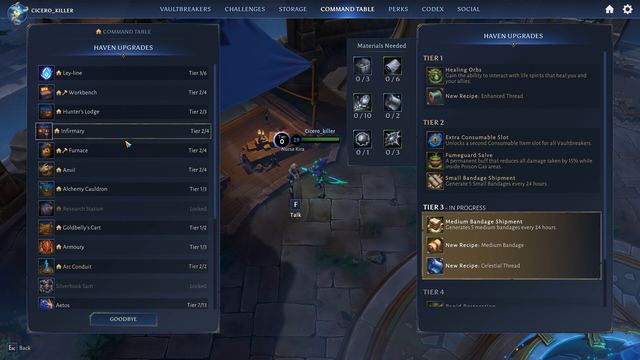
DualShock and DualSense controllers are supported, alongside partial support for other pads, and the October update expanded controller navigation across inventory, storage, crafting and the social menus. Camera control, UI navigation and auto-targeting all have dedicated onboarding now.
Performance notes from the tests
Steam forum threads report CPU-heavy behaviour on some systems, and BetaDwarf's notes list continuing work on server startup, desync handling and memory usage. If the demo runs rough, drop to windowed fullscreen, lower crowds and shadows first, and check the patch notes for the next performance pass.